
Video StudioYour clip.
Your clip.
Their performance.
Upload a clip of someone moving and choose a target. Daniel, Graham or anyone whose photo you have permission to use performs the same movement.
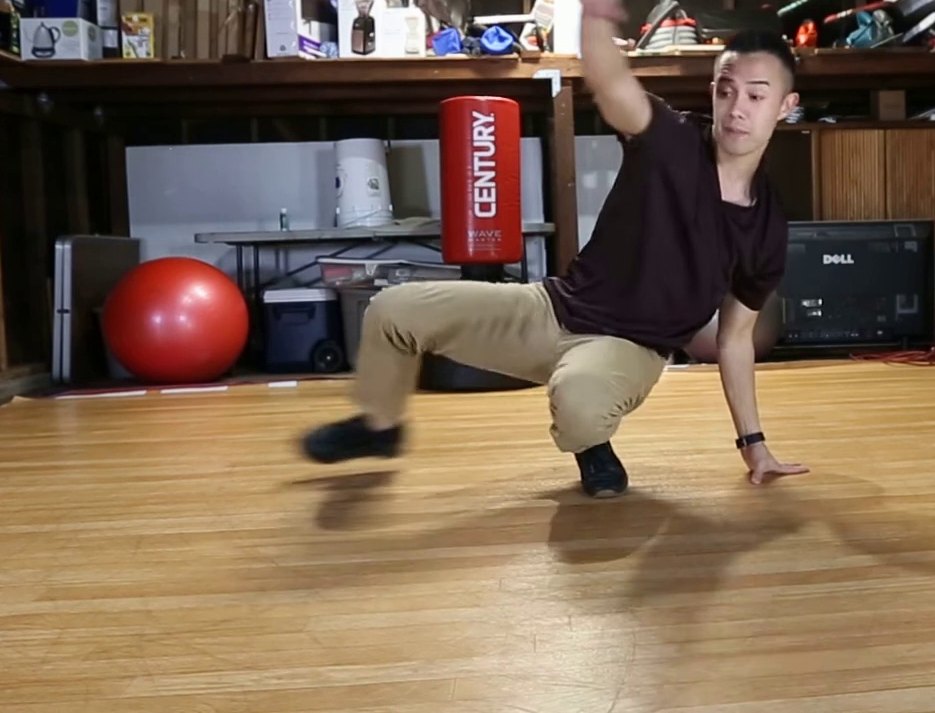 SOURCE · TWO-STEP DEMO
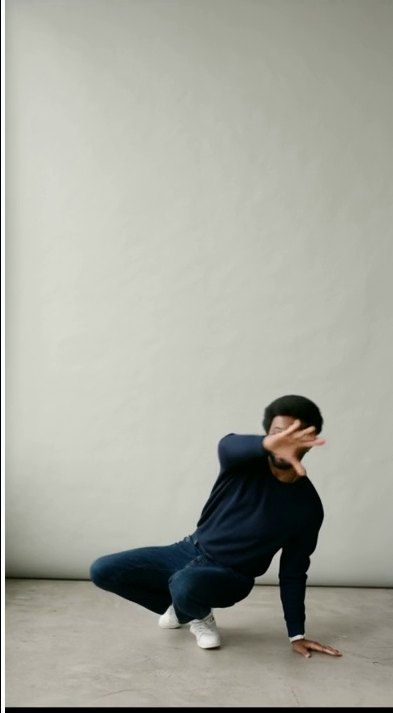 RESULT · DANIELAI-GENERATED
How it works
Four steps from clip to video
Upload a clip
MP4, MOV or WebM, up to 200 MB. Pick a segment of up to 10 s.Choose a target
A full-body photo works best for videos. Up to 8 photos per target.Check the estimate
The pose check is free. See GPU time and cost, and set a cap.Generate and export
720p MP4 with the AI-generated mark and content credentials.
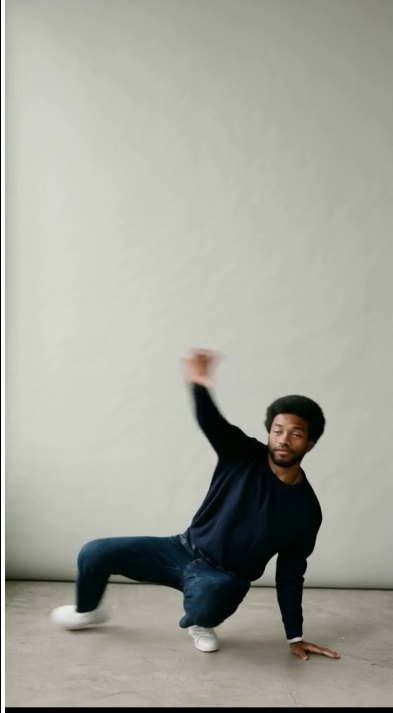
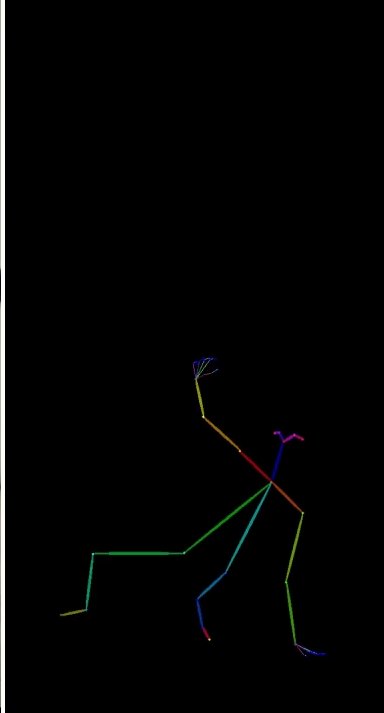
Pose check
See problems before you pay
JigCam reads the pose from every frame in your browser, for free. It warns about floor work, people leaving the frame or very fast spins.
- Free, and nothing is uploaded until you generate
- Clean-up fills short tracking dropouts
- Match the target's proportions so the body fits
Estimate for Two-step · Daniel
about $0.5012 GPU minutes on an RTX PRO 6000, at $2.49 an hour
Resolution720p
Variations1
Stop if it reaches$3.00
If it failsFree
Cost
Know the price first
Billed by the second at $2.49 per GPU hour. A cap stops a job before it costs more than you set, and a failed job is never charged.
- Estimate before you start
- A cap on every job
- Failed jobs are free
Results
Made with Video Studio
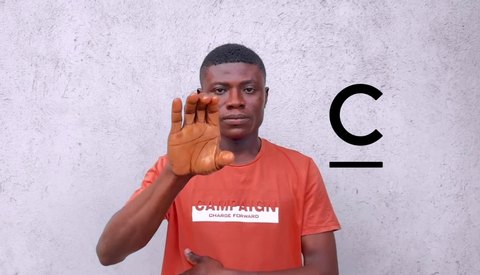 BEFORE
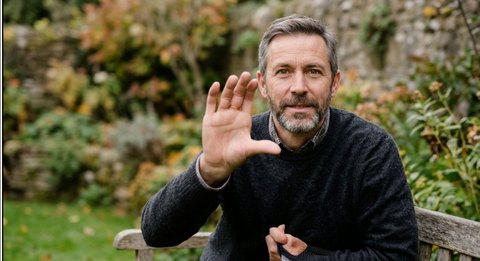 AFTERAI-GENERATED
Live Capture
Your camera → Graham
BEFOREAFTERAI-GENERATEDVideo Studio
A two-step clip → Daniel
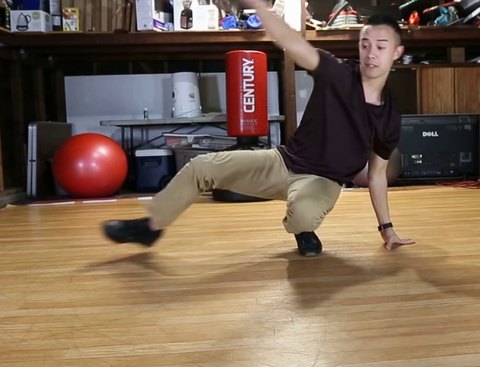 BEFORE
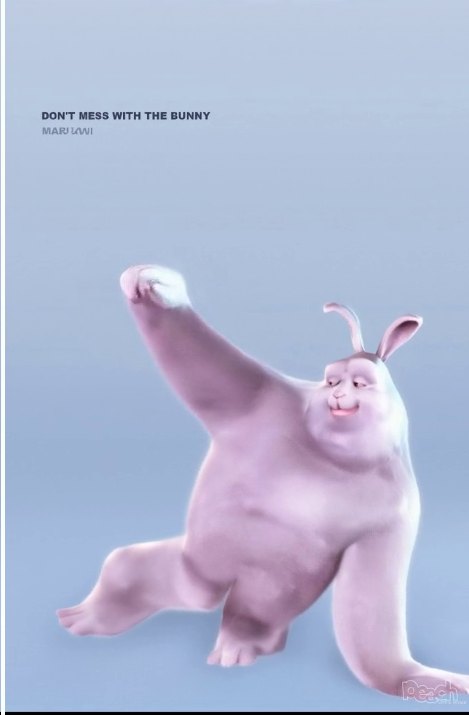 AFTERAI-GENERATED
Character Studio
The same clip → Peach bunny
Honest limits
Good to know
We'd rather you know before you pay. These are measured today, and we update them as they improve.
- Replace modePutting the target into your clip's own scene and lighting isn't available yet; today the target performs in their photo's setting.
- One personThe whole body needs to stay in view in every frame you generate.
- LengthUp to 10 s per generation; longer segments run as several 77-frame windows.
- TurnsWhen the performer turns away, the back is invented and can lose detail.
FAQ
Questions
About 12 GPU minutes for a 2.6-second clip, plus any time in the queue. You can close the page; we'll tell you when it's ready.
A clip of one person whose whole body stays in view works best: MP4, MOV or WebM up to 200 MB, with a segment of up to 10 seconds. The free pose check warns about floor work, people leaving the frame and very fast spins.
A 480p or 720p MP4 with the AI-generated mark and content credentials (C2PA) that say it was made with JigCam.
Results are kept for 7 days for download. If you turn on the library, they are saved there, encrypted, until you delete them.
Make your first video.
A 2.6 s clip costs about $0.50. Failed jobs are free.