
Move as yourself.
Appear as someone else.
JigCam follows your movement and shows you as a target person or character: face, hair, build and clothing. Go live on a stream or a call, or turn a clip into a video.
- Your gestures, hands and expressions drive the output
- Runs on cloud GPUs, so any webcam works
- Every frame is labelled as AI-generated
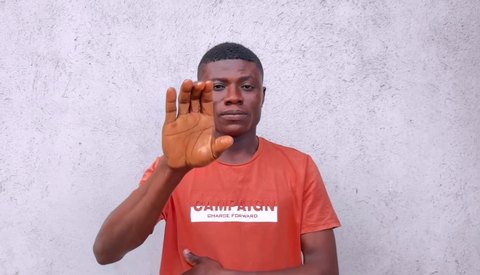
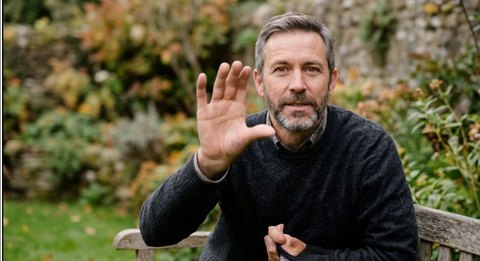
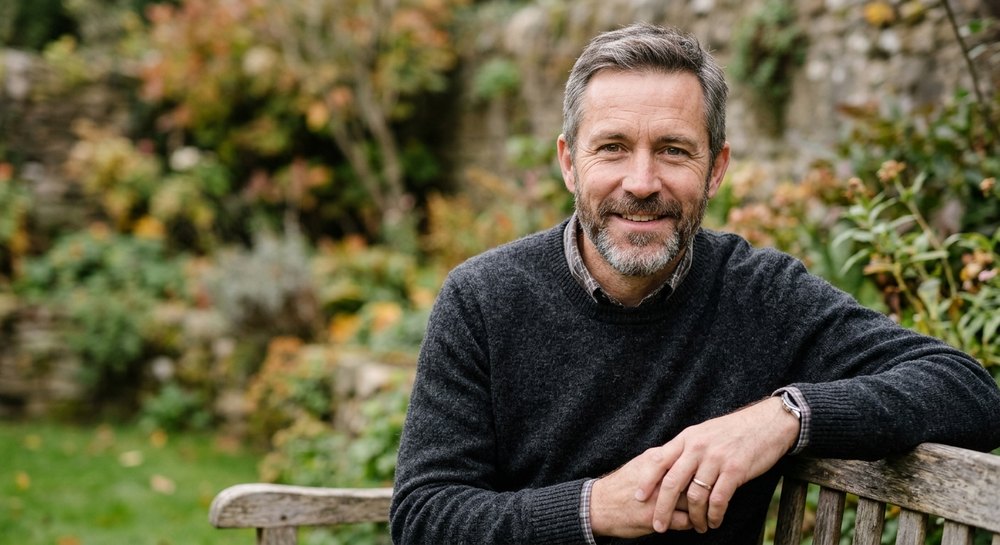
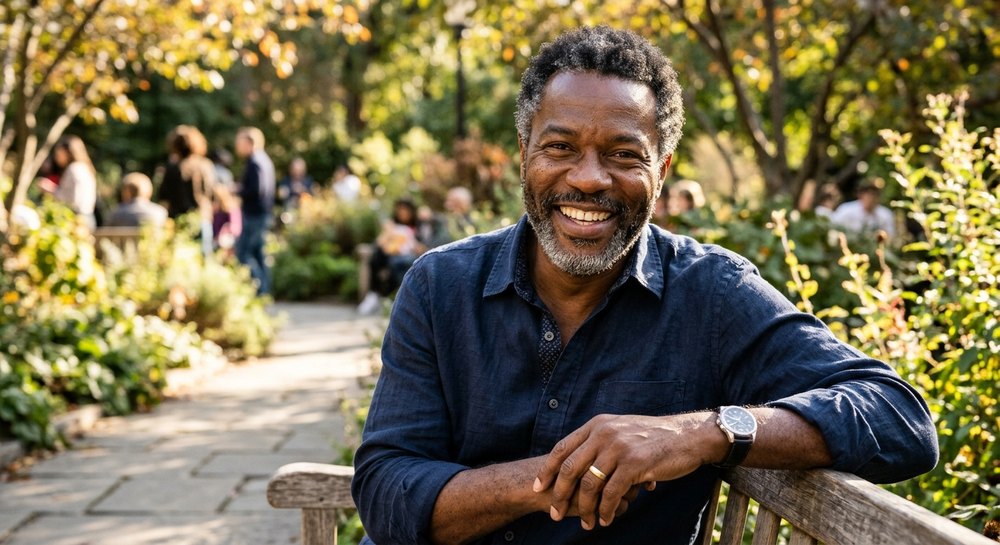
- 2.4 s
- behind your camera, so pause briefly after a gesture
- 11 fps
- live output at 672 × 384, from an H100 cloud GPU
- 0
- camera frames stored. They stay in GPU memory only
- $1
- per started live minute. Start-up and waiting are free
- OBS Studio
- Zoom
- Microsoft Teams
- Google Meet
- Windows
- macOS
- Linux
Everything you need to perform as someone else
Live in a browser or the apps, from a clip, or as a character. One account and one credit balance across every device.
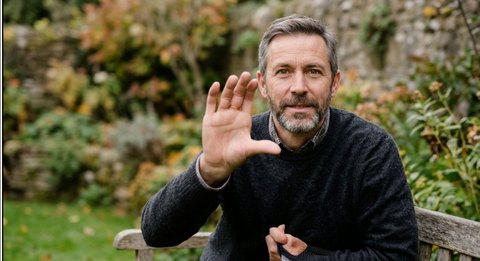 AI-GENERATED
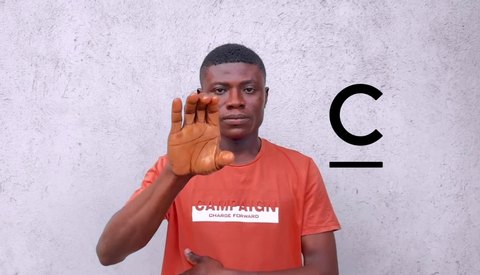
Your performance, their appearance
Movement comes from the camera or the clip. Face, build and clothing come from one photo of the target.
BEFOREAFTERAI-GENERATEDLive Capture
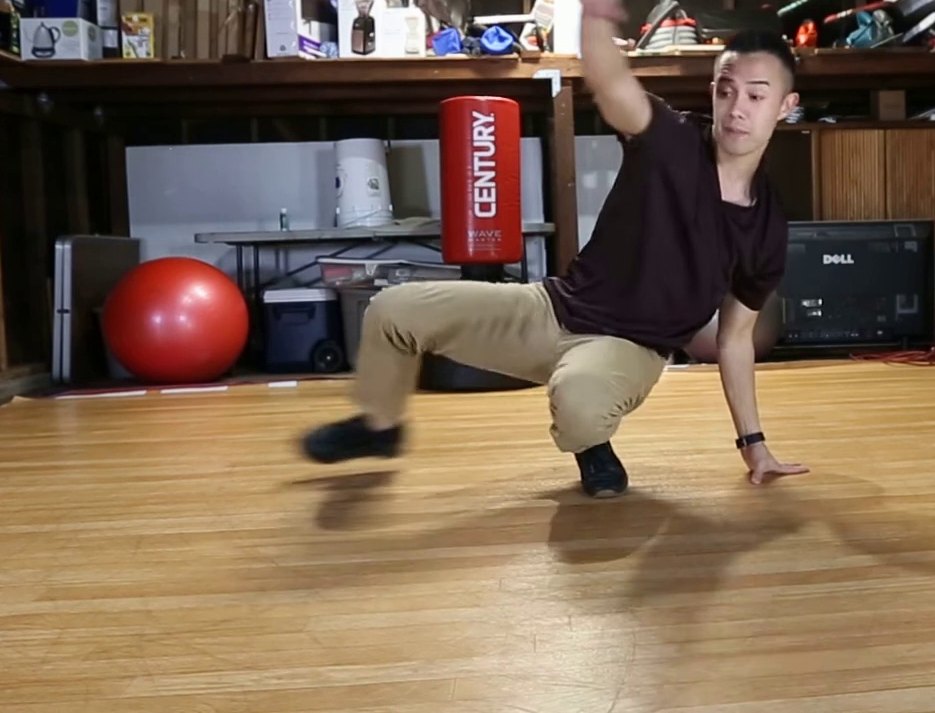 BEFORE
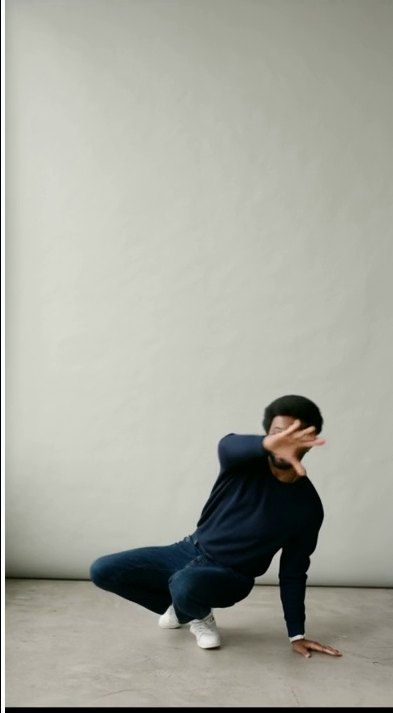 AFTERAI-GENERATED
Video Studio
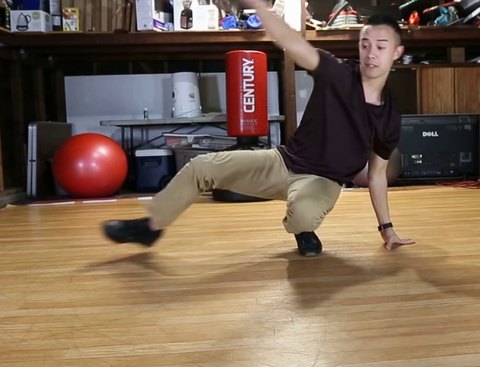 BEFORE
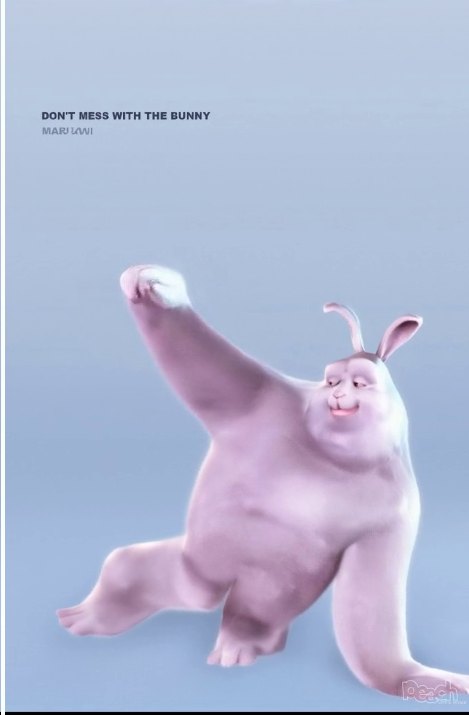 AFTERAI-GENERATED
Character Studio
From your camera to a cloud GPU and back
Add a target
One clear photo of the person you'll appear as, waist up for live. Up to 8 photos help with turns.Check, for free
Camera, light, connection and GPU stock are checked before anything is charged.Start a GPU
JigCam reserves an H100 for you. Start-up is free; today it takes 3 to 12 minutes.Go live or generate
Live runs about 2.4 s behind you. Jobs show their cost before they start.
AI-GENERATEDGo live without installing anything
The browser studio sends your camera to a cloud GPU and shows the result in the tab. Record it to your device, or send it to the desktop app to use as a camera in OBS, Zoom or Teams.
- Camera and output side by side, with delay and frame rate
- Switch targets in about 6 seconds while you're live
- A warning 5 minutes before your credit runs out
Built for realism, and honest about it
We publish our numbers and our limits. If something isn't ready, the product says so.
The whole upper body
Your hands stay yours
Labelled, always
No powerful computer
Pay as you go
Shows up as a camera
Who uses JigCam
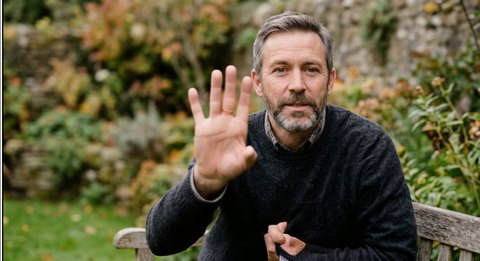 AI-GENERATED
Streaming and content
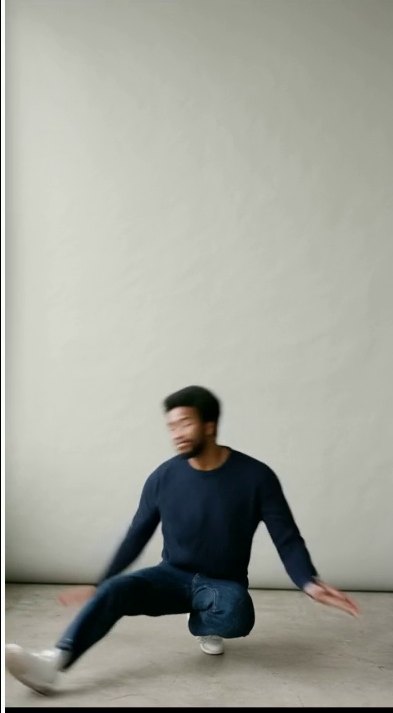 AI-GENERATED
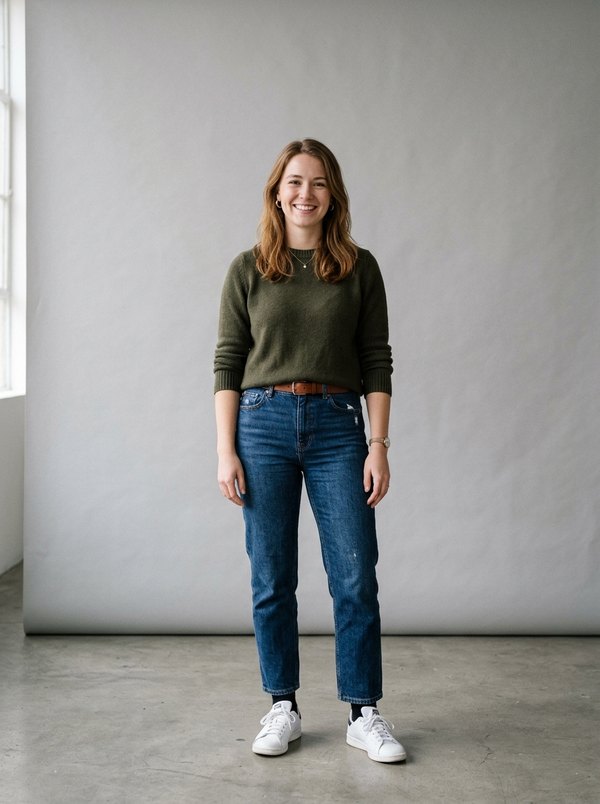
Virtual presenters
 AI-GENERATED
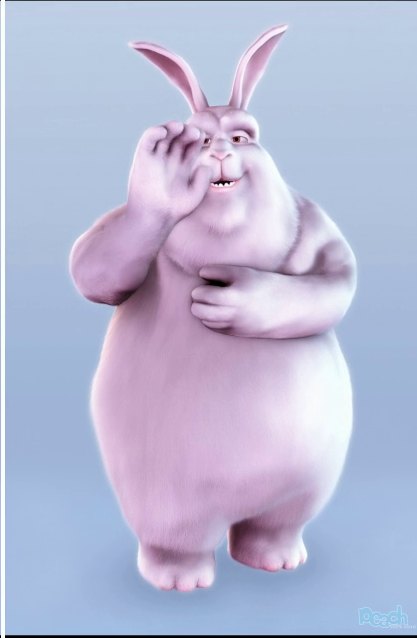
Characters and mascots
 AI-GENERATED
Previsualisation
Pay only while you're live
$1 per started live minute. $2.49 per GPU hour for videos and characters. Start-up, waiting and failed starts are free.
Before you start
Your movement.
Their appearance.
Start with $10 of credit. No plan, no subscription.