
How it works
Your movement in. Their appearance out.
JigCam reads your pose from the camera and generates the target performing it, chunk by chunk, on a cloud GPU. Here's what happens, and why it takes 2.4 seconds.
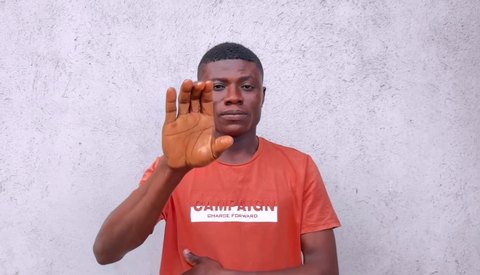
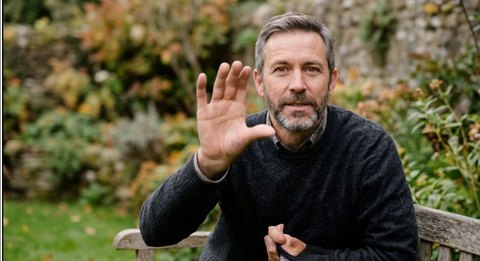
Before you start
Four steps, three of them free
Add a target
One clear photo, waist up for live, full body for videos.Check for free
Camera, light, connection and GPU stock.Start a GPU, free
An H100 is reserved; 3 to 12 minutes today.Go live
$1 per started minute until you end it.
The path of a frame
Camera to cloud GPU and back
Your picture is used only for movement. Frames stay in GPU memory and are never written to disk.
Your camera
720p is enoughEncrypted upload
about 1 Mbit/sCloud GPU
pose, then the live modelYour screen
tab, recording or camera
Why 2.4 seconds
Where the delay comes from
The live model draws 12 frames at a time. Waiting for those frames, generating them and sending them back adds up. Pausing briefly after a gesture keeps you in sync.
Filling a 12-frame chunk0.45 s
Generating it0.98 s
Network and playout0.84 s
Capture, upload and pose0.15 s
Totalabout 2.4 s
Devices
What works on each device
| Feature | Computer | Phone | Tablet | Browser |
|---|---|---|---|---|
| Go live | ||||
| Camera in Zoom, Teams, OBS | ||||
| Record the output | ||||
| Send to a computer | ||||
| Videos and characters |
Phones and tablets don't let one app be the camera of another, so they record, or send the output to JigCam on a computer.