
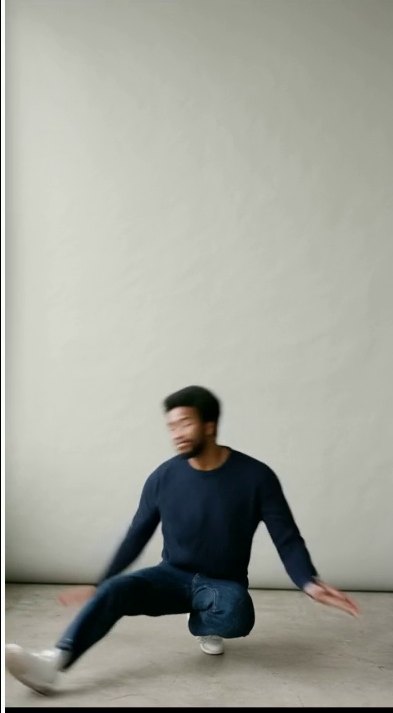
Video Studio turns a clip of someone moving into a video of your target performing the same movement.
The four steps
- Upload a clip: MP4, MOV or WebM up to 200 MB, and pick a segment of up to 10 s
- Choose a target: a full-body photo works best
- Check the estimate: the pose check is free; set a cost cap
- Generate and export: 720p MP4 with the AI-generated mark and content credentials
A 2.6-second clip takes about 12 GPU minutes, about $0.50 at the early-access rate. Failed jobs are free.