JigCam is in early access. Live sessions run on cloud GPUs today; the apps are on their way. See what works now →

Delay your microphone in OBS

Keep your voice and lips together with one setting.

JigCam team
· 2 min read
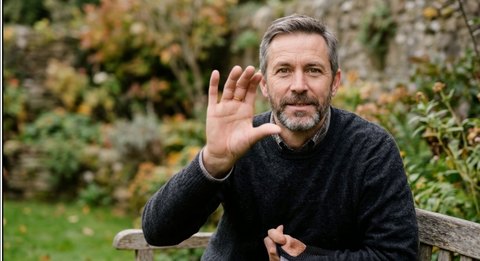
AI-generated output: Graham, a grey-haired man in a dark jumper, making the same gestureAI-GENERATED · C2PAAI-GENERATED

Audio isn’t processed, so your voice arrives before the output’s lips move. One OBS setting fixes it.

  • Open Edit, then Advanced Audio Properties
  • Find your microphone
  • Set Sync Offset to 2400 ms
If the delay changes after an update, measure it from the live bar in the studio and adjust the offset to match.